
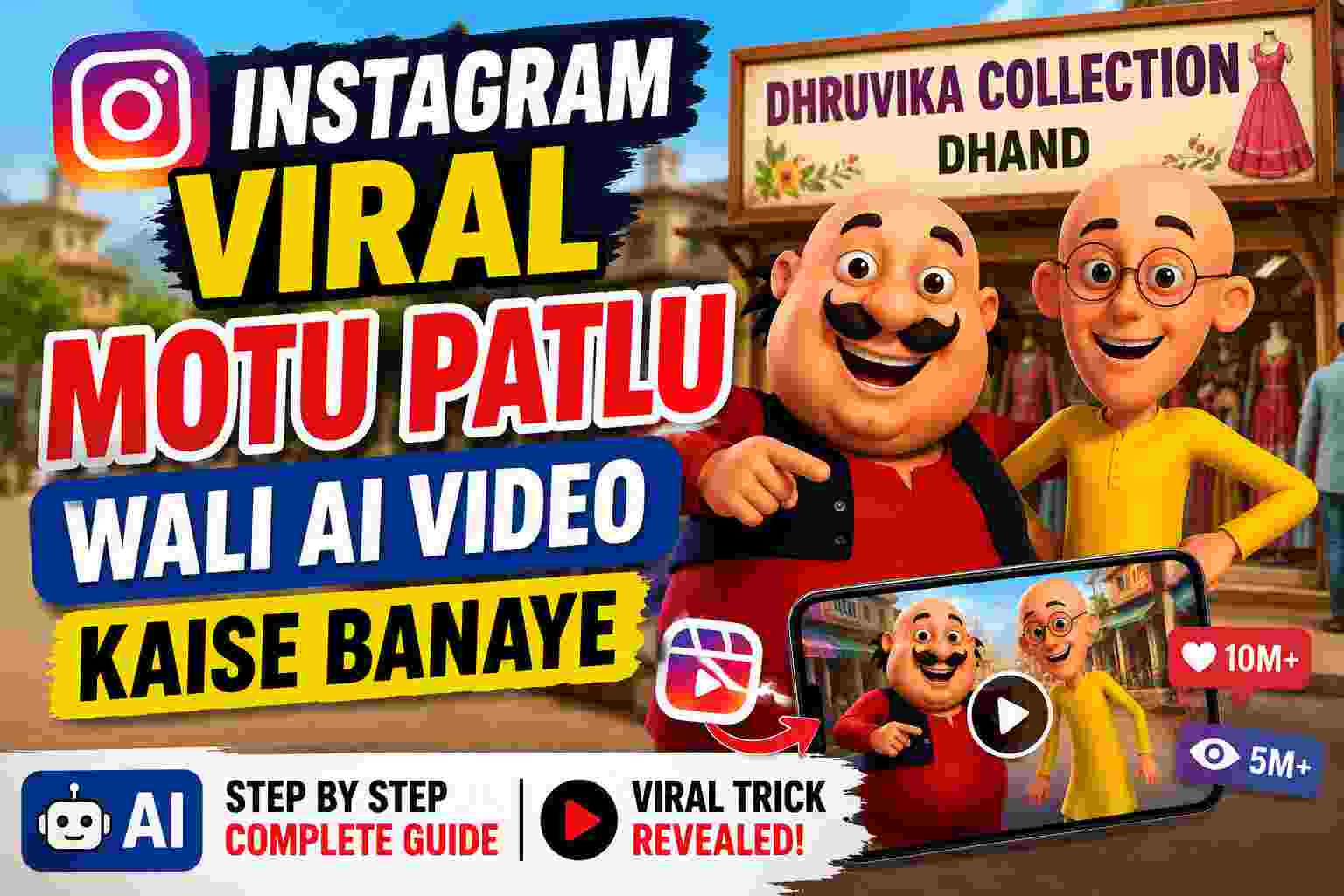
If you want to create ‘Motu Patlu’ style AI videos for your shop or business, you can easily do so; you will need two AI tools for this. In this blog, we will guide you through the entire process so you can create videos for your village, business, or shop.

Step 1 – Download images of the cartoons—such as Motu Patlu or whichever ones you want to create a video for. You can search for these images directly on Google or download them from any website.
Step 2 – Download the Chat GPT app in your phone and log in using Gmail ID.
Step 3:- After login, type in Chat GPT – Create a Moto Patlu story seen by seen “For Promotion of my business”
“For Promotion of my business” You can write the name of whoever you want to make videos about in that place. Like City Name, Shop name etc
Chat GPT will write out the full story for you, scene by scene, complete with dialogue.
Then Type in Chat GPT ” Create an image for Seen 1″
Chat GPT will generate an image for you, and you simply need to download it.
You need to create images for all the scenes in the story and download them.
Now, you have to type in Chat GPT. “Create Seen 1 prompt with dialogue and Negative prompt”
Chat GPT provide the prompt for ‘Scene 1’, you need to generate prompts for all the other scenes in the same way.
Now, you need to install the Google Create app on your phone.
Follow these Steps
- Open App in Android Phone
- Click on Generate Video
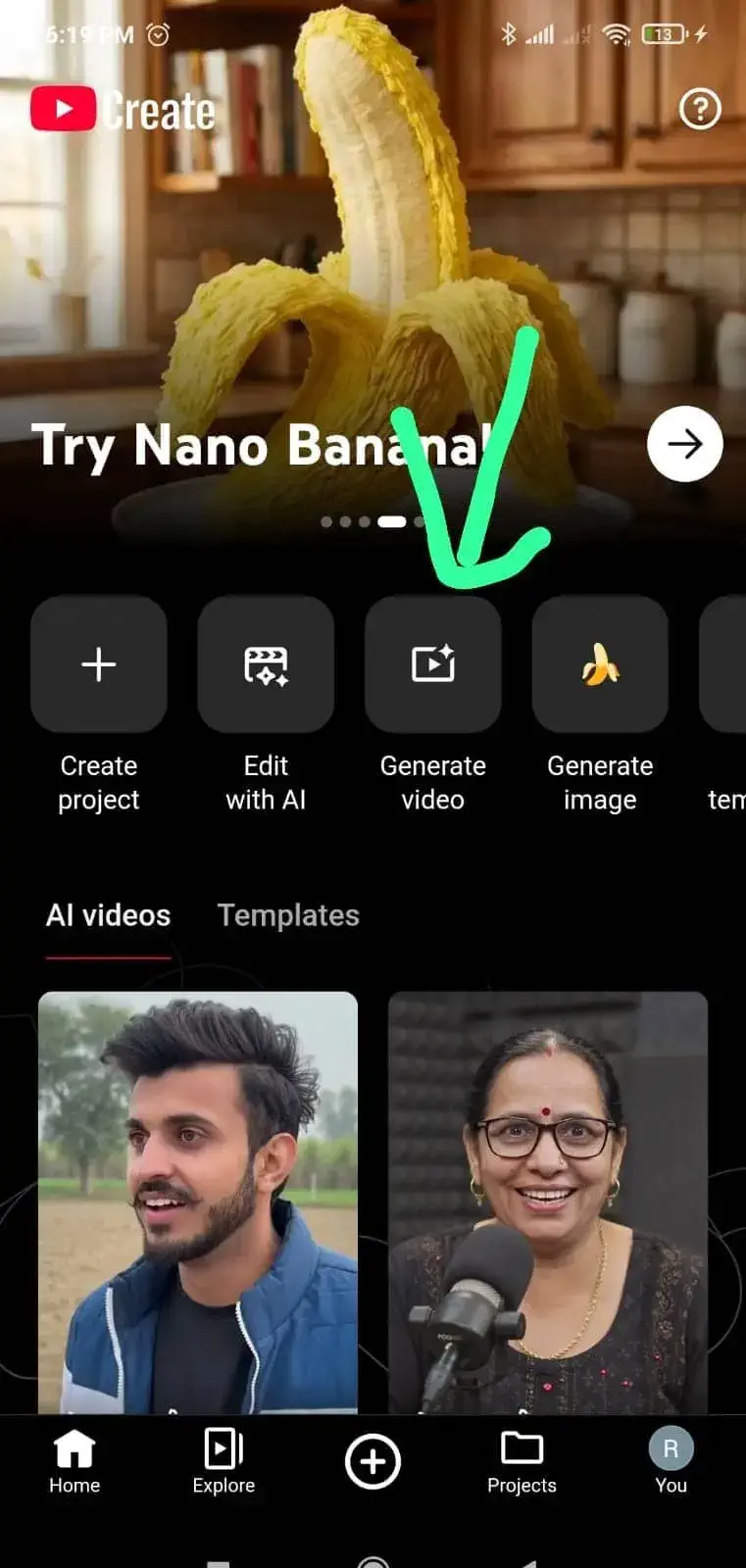
- Past Seen 1 Prompt
- Upload seen 1 image
- Click on Generate Button

Video will be ready with in 1-2 mins, Same process create all seens Video and then using any video editing app.
Your Business video is ready you can upload on your social media profiles.
If you want to create AI videos for your business, the TechUniverse team can produce them for you at a reasonable price. Fill out the Contact Us form to get started, and we will contact you shortly.
अपनी शॉप या बिजनेस के लिए मोटू पतलू वाले Ai वीडियो बनाना चाहते हो तो आप आसानी से बना सकते हैं, इसके लिए आप दो AI Tools की ज़रूरत पड़ेगी, इस Blog में हम आपकी पूरी मदद करेंगे ताकि आप अपना बिजनेस या शॉप के लिए वीडियो बना सकें।

Step 1 : सबसे पहले आप को मोटू पतलू या जिस कार्टून का वीडियो बनाना चाहते हों, उस कार्टून के Image डाउनलोड करें। Images आप डायरेक्ट गूगल पर सर्च कर सकते हैं या फिर किसी वेबसाइट से डाउनलोड कर सकते हैं

Step 2: Chat GPT APP को अपने फोन में Install कर लेना है और Gmail से Log in कर लेना है।

Step 3: लॉगिन करने के बाद Chat GPT में यह टाइप करें - Create a Moto Patlu story seen by seen "For Promotion of my business"

"For Promotion of my business" की जगह आप जिसका भी वीडियो बनाना चाहते हो वो लिख सकते हो.

Chat GPT आप को Seen by Seen पूरी कहानी लिख के दे देगा डायलॉग के साथ.

फिर Chat GPT में टाइप करें "Create an image for Seen 1"

Chat GPT आप को Image बना कर देगा. Image को Download कर लेना है।

जितने भी सीन है स्टोरी में सब की इमेज बना लेनी है और Download कर लेनी है

अब Chat GPT में टाइप करना है "Create Seen 1 prompt with dialogue and Negative prompt"

Chat GPT Seen 1 कि Prompt दे दगा फ़िर ऐसे ही सभी SEENS की Prompt  जनरेट कर लेनी है।

अब, आपको अपने फ़ोन पर Google Create App Install करना होगा।

इन Steps को फ़ॉलो करें.

Android फ़ोन में ऐप खोलें

'Generate Video' पर क्लिक करें
सीन 1 Prompt को past करें.
सीन 1 की इमेज अपलोड करें
'जनरेट' बटन पर क्लिक करें

वीडियो 1-2 मिनट में तैयार हो जाएगी, इसी तरह सभी सीन के वीडियो बनाएं और फिर किसी वीडियो एडिटिंग ऐप का इस्तेमाल करें।

आपका बिज़नेस वीडियो तैयार है, आप इसे अपने सोशल मीडिया प्रोफ़ाइल पर अपलोड कर सकते हैं।

एगर आप अपने बिजनेस के लिए AI video बनवाना चाहते हैं तो TechUniverses टीम रीसनेबल प्राइस पर आपके बिजनेस के वीडियो बना देंगे। वीडियो बनवाने के लिए फॉर्म भरें, हम जल्दी आप से संपर्क करें।

